ANIMATION FUNDAMENTALS
GAME DESIGNER
KEY TERMINOLOGY
FRAME- A single still image within a sequence of images. When frames are displayed in quick succession, it creates the illusion of movement, creating an animation.
FRAMERATE/FPS- The number of individual frames displayed in one second of animation, impacting the smoothness and quality of motion.
KEYFRAMES- The most critical frames that show where a movement begins or ends, helping control timing and motion in animation.
TIMELINE- The timeline show where animation occurs in a document, including frame-by-frame animation, tweened animation, and motion paths.


THE 12 PRINCIPLES OF ANIMATION
1. SQUASH & STRETCH- Applied to give a sense of weight and/or flexibility to objects or people.
2. ANTICIPATION- Anticipation is used when you want to prepare your audience for some action.
3. STAGING- Considering where the point of interest is in the scene and making sure the framing captures is properly.
4. FOLLOW-THROUGH & OVERLAPPING ACTION- Creates the impression of a character following the laws of physics. Follow-through concerns the parts of the body that continue to move when a character or object stops. Parts of the body don't move at the same rate as the rest, such as hair moving during a run and moving a second longer after the action is over.
5. STRAIGHT AHEAD AND POSE-TO-POSE ACTION- Straight ahead action scenes involves drawing an action frame by frame, creating a smooth flow of movement. This method requires starting with a drawing and then proceeding to draw sequentially, most of the time not knowing the last frame. This very time consuming however.
6. SLOW IN & OUT- The motion of characters or objects starting slowly with faster movement in-between, the change in speed making the movement more life-like. To achieve this effect, more frames are added at the beginning and end to create the impression of slow movement. Fewer frames = faster movement.
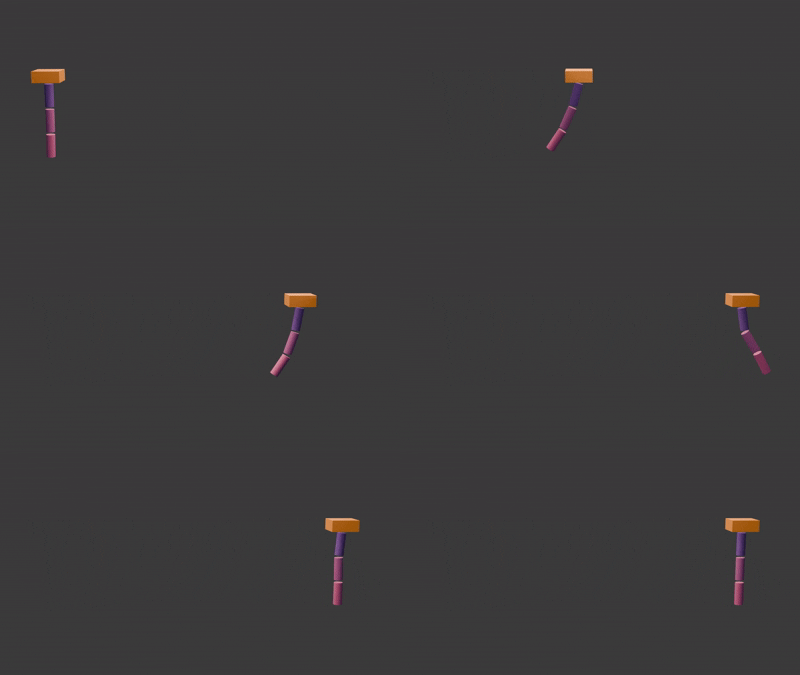
7. ARCS- The movement of an object or character in curves rather than a straight line.
8. SECONDARY ACTION- The secondary action enhances and adds more detail to the primary action. Secondary actions can be used to depict a personality trait or emotion.
9. TIMING- The speed of the scene, determined by the amount of frames used. If more frames are used, the scene will appear slower. Fewer frames means faster movement. It is important to establish timing properly for each object in the animation with respect to the object's size and weight.
10. EXAGGERATION- Used to create a dramatic effect and enhance the storytelling. Can be applied to actions, expressions or even poses to make them more impactful.
11. SOLID DRAWING- Giving characters weight and volume by drawing them in a proper shape as they would appear in a 3-dimensional space. To achieve this, animators draw the character in several poses and angles to ensure that proportions stay consistent throughout scenes.
12. APPEAL- An appealing character is crucial to make them memorable and exciting to the audience. The term not only refers to their physical attractiveness, but also to the character's intriguing charms and traits.

Slow in & out. More frames are drawn at the beginning and end of the action to give the impression of accelerating and decelerating.
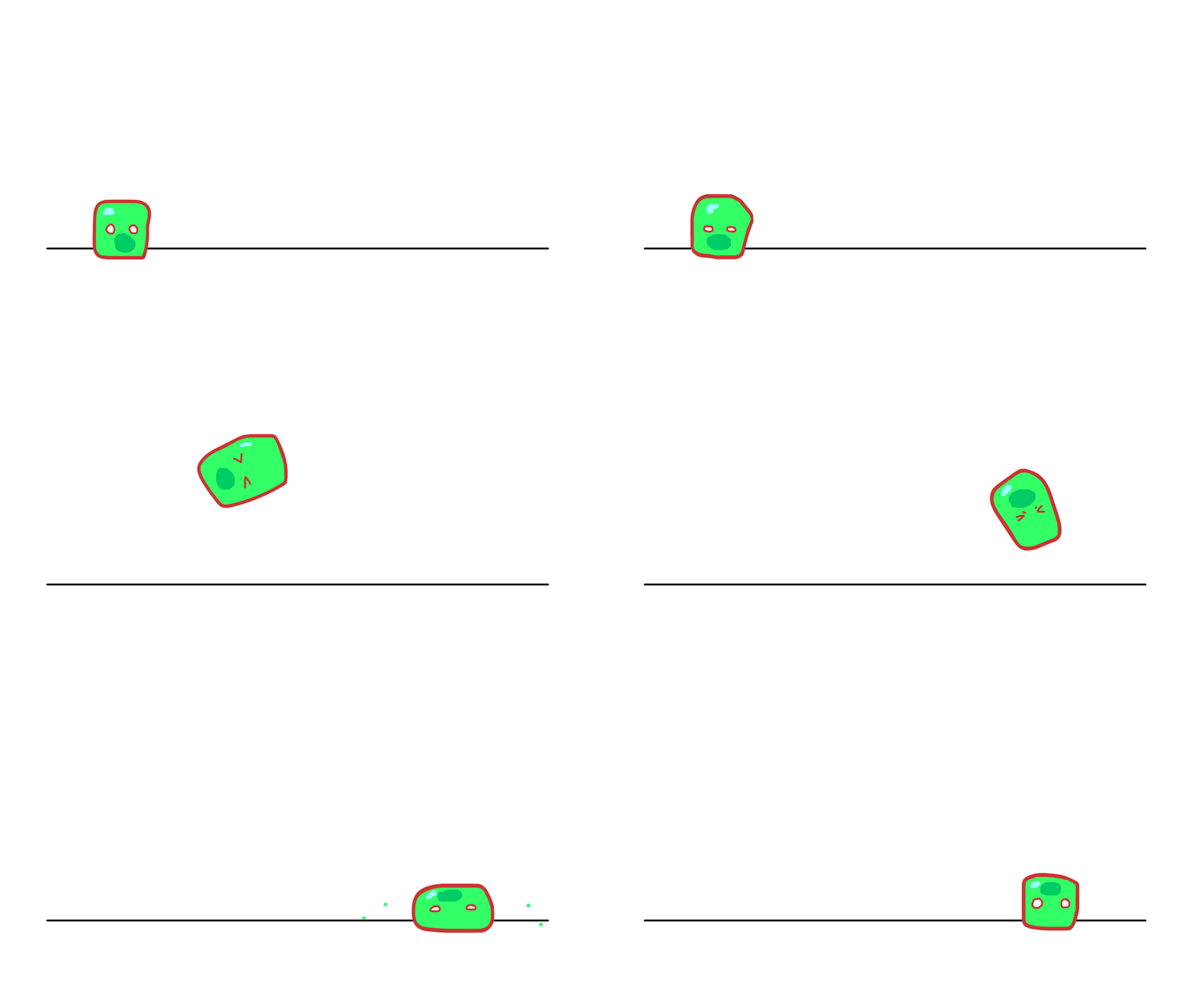
Slow in & out (jump), movement arc in jump, squash a stretch to give the impression of powering up the jump and landing. Secondary action of little slime particles as the character lands and anticipation before they take off.
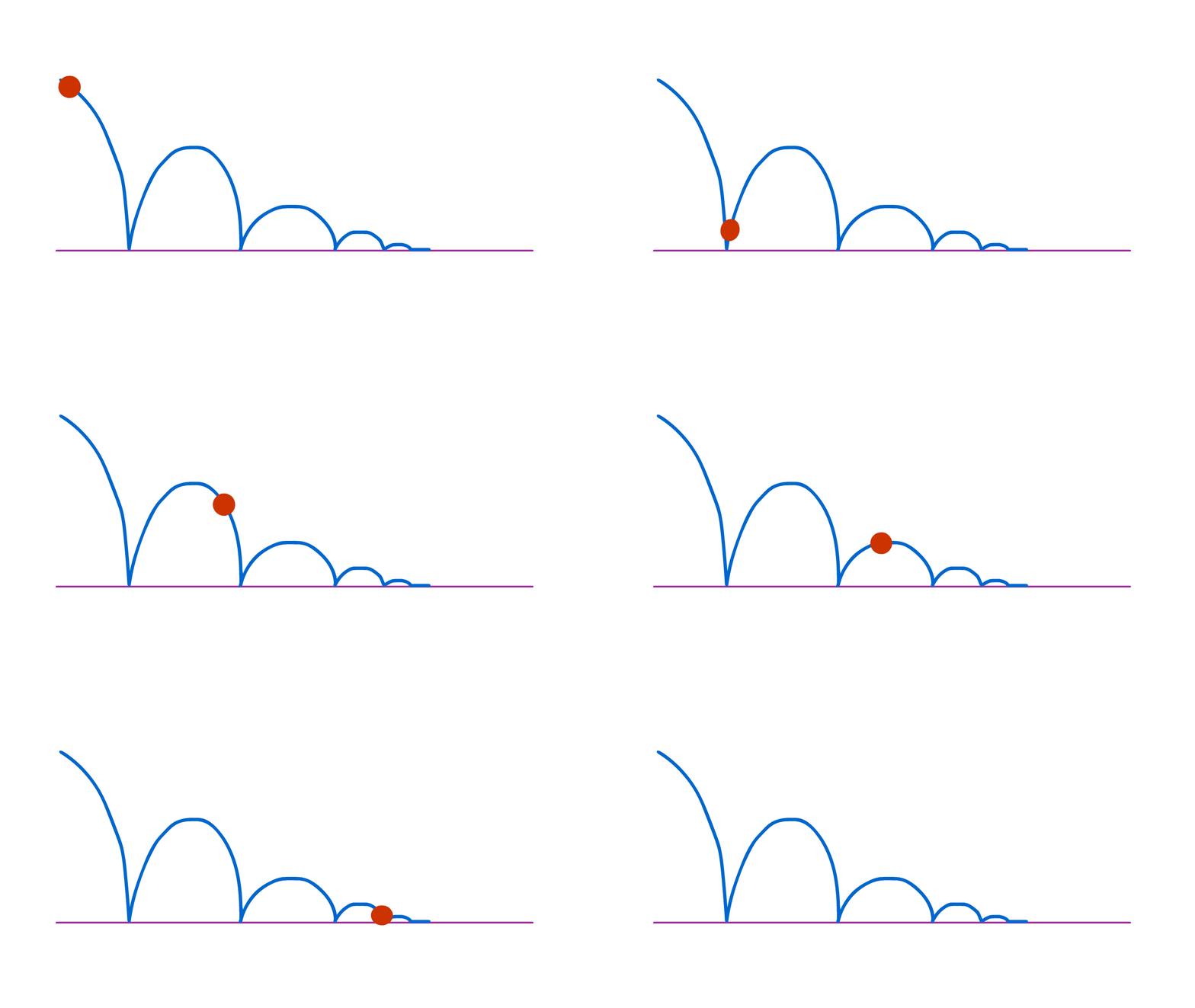

Timing, curves, squash and stretch. Simple bouncing ball animation.

2D test animation (feat. Trobbio) arc of smoke bomb being thrown in, stretching while doing so. Squashes on impact then sets off a chain reaction of secondary actions that reveal the character. This was originally made without any specific principle in mind.

Same animation but improved/tweaked slightly in addition to being coloured. The colour adds pop and appeal
3D ANIMATION
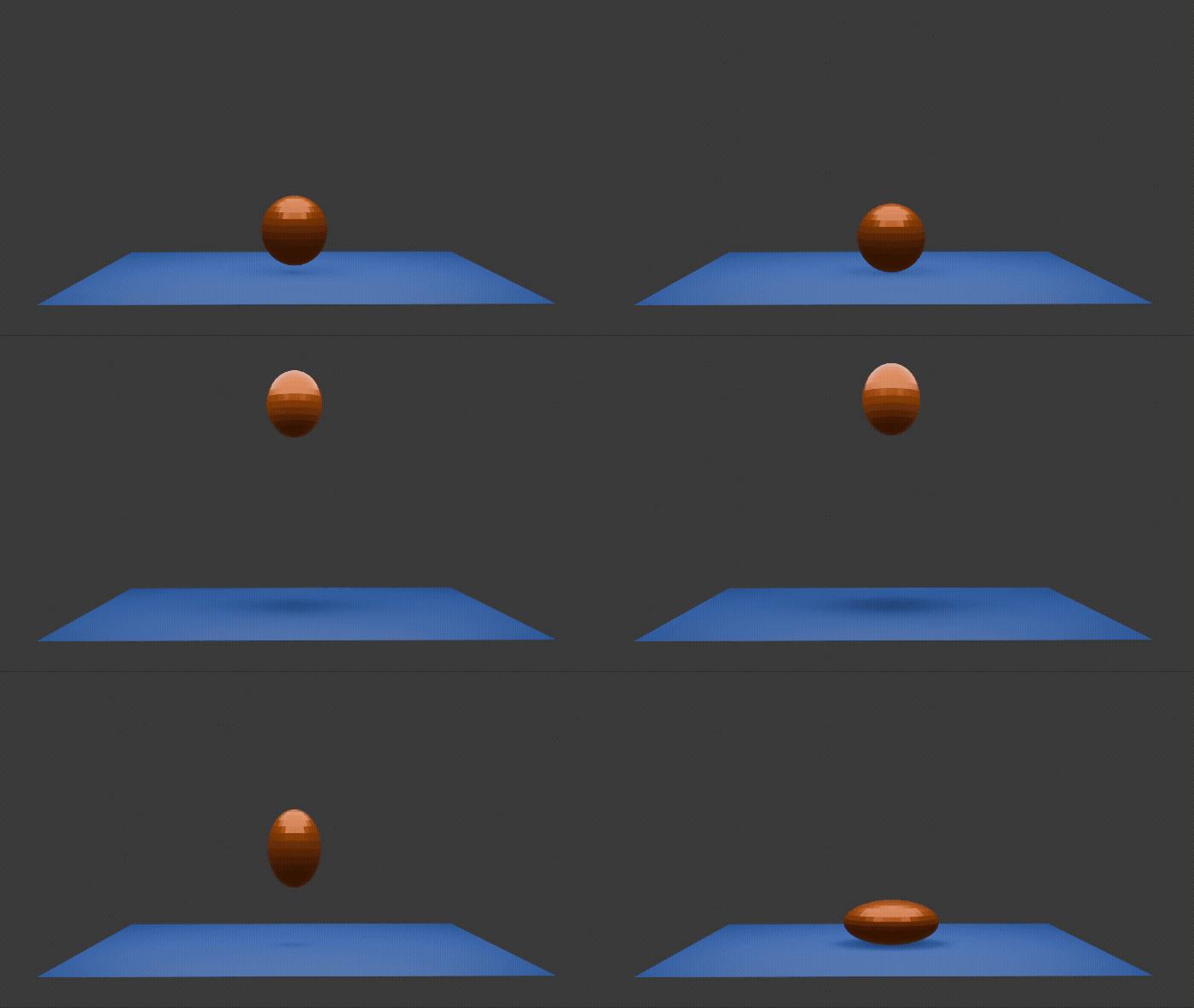
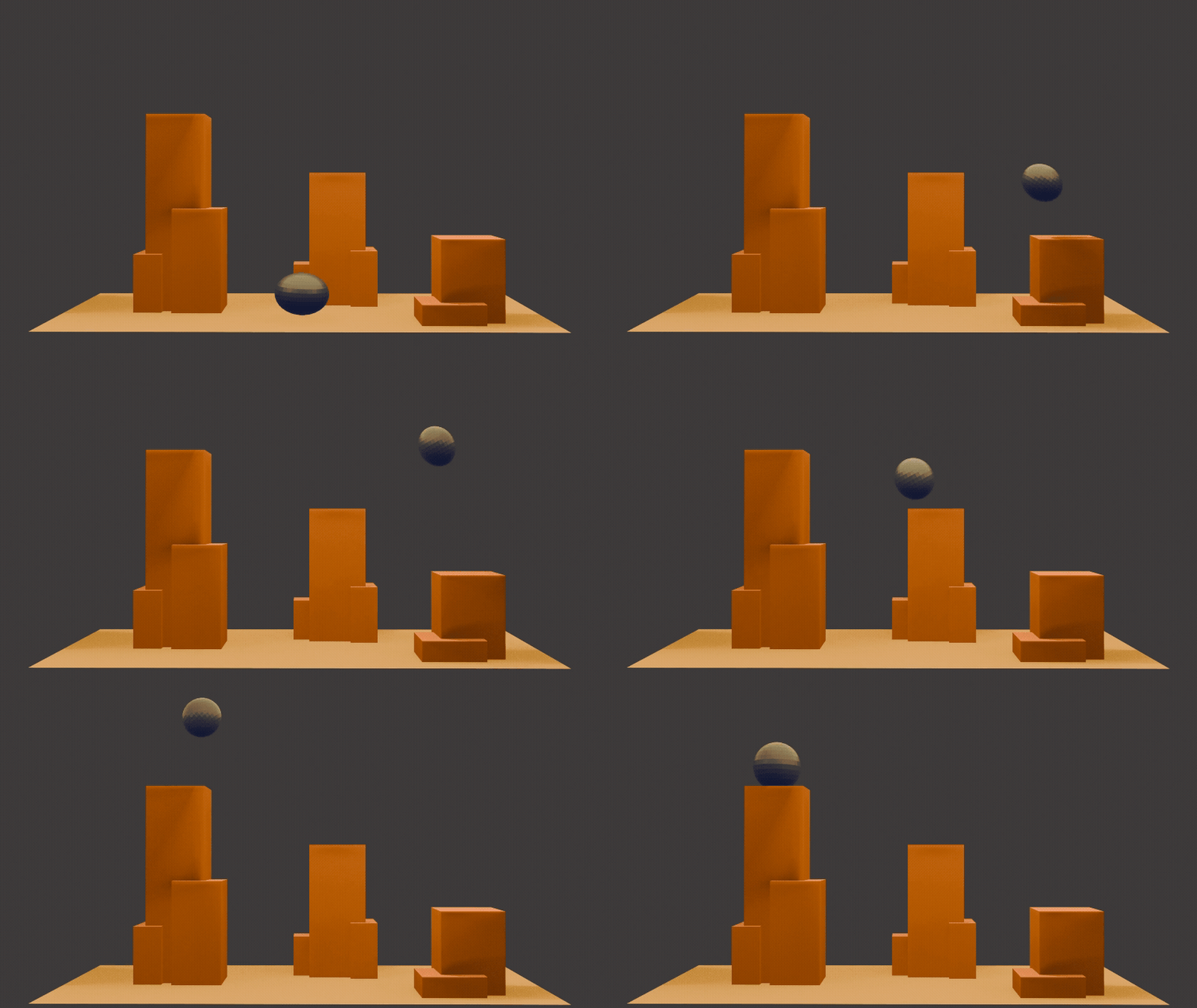

3D ANIMATION PROJECT
Task- create a 10-30 second short animation, using a set mascot character (astronaut). We had to plan it out, including storyboard, with full creative freedom to animate whatever scene wanted.
I decided to go with something more simple in substance to make the time allocated more manageable.


LET'S PLAY!
FEEL FREE TO CONTACT ME FOR FUTURE WORK AND PARTNERSHIPS